








How to Set Your Air Conditioner for Maximum Cooling and Energy Saving
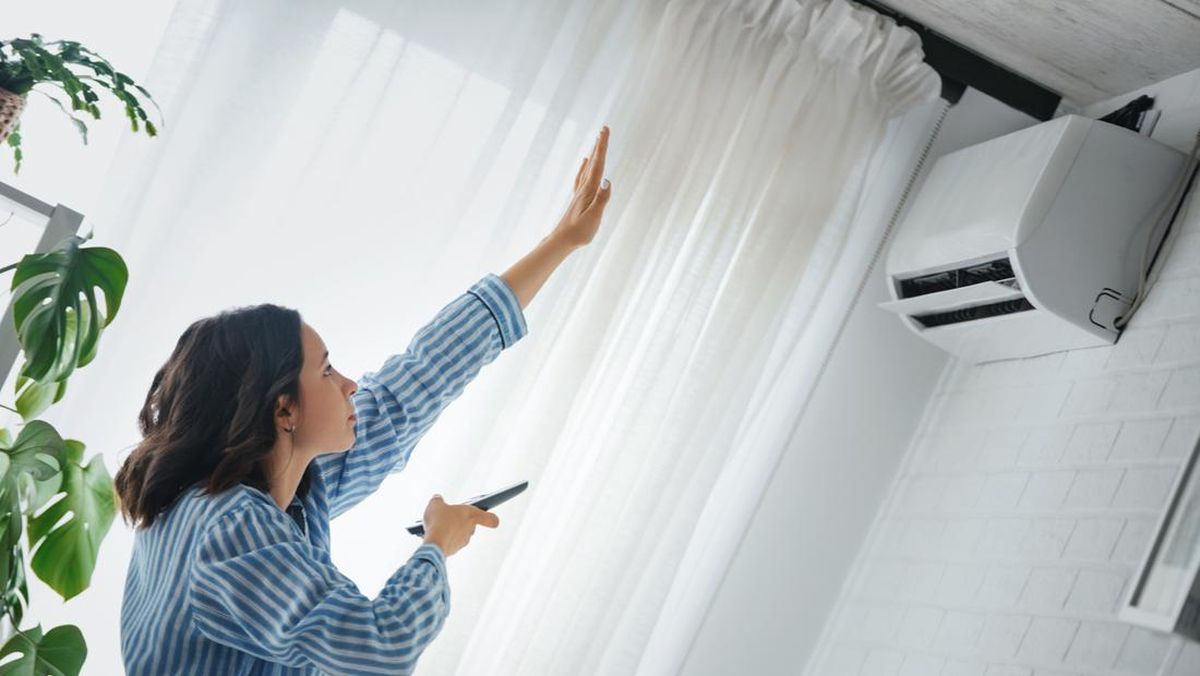
There are ways to make the AC cool and save electricity.--
3. Change the Temperature Gradually
Once the air conditioner has cooled sufficiently, it's recommended to gradually increase the temperature to maximize the room temperature.
This is to prevent the air conditioner's motor from being "shocked" by having to work at full capacity.
In addition, this gradual change can extend the life of the air conditioner and reduce damage. 4. Turn on Cool Mode
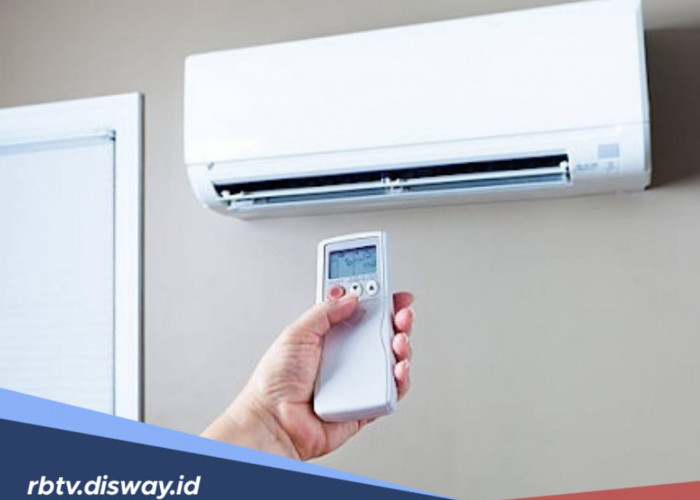
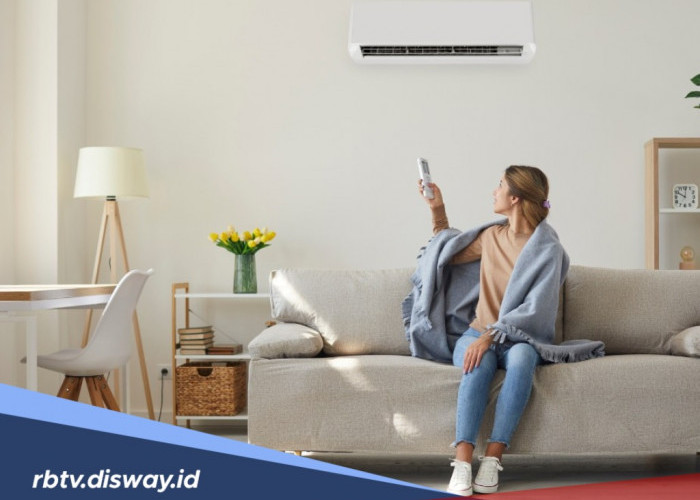
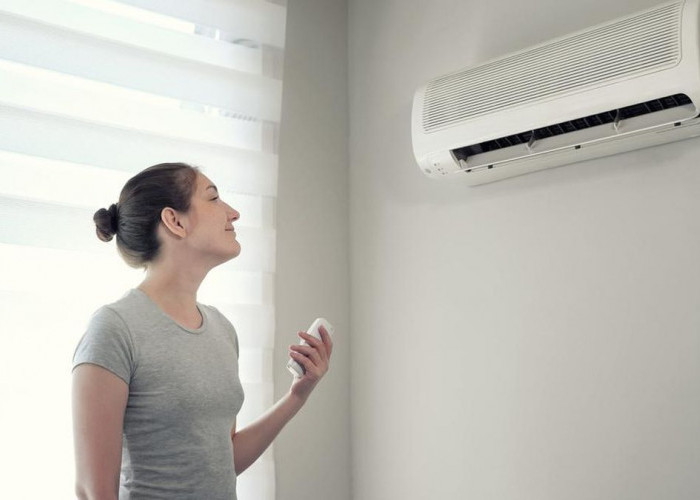
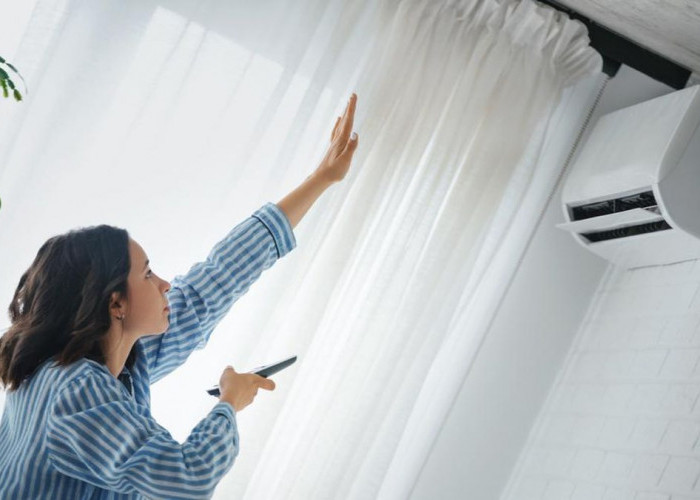
If you've adjusted the temperature but the room isn't feeling optimally cool, activating the cool mode feature on the remote control might be an option.
This is because when you activate this feature, the room's cooling process will be faster.
The steps to set your Sharp Air Conditioner remote to cool with this feature are as follows:
- Click the "Mode" button several times until a special symbol appears on the remote control display.
- Turn on the fan on the remote control.
5. Activate FAN Mode
You've turned on cool mode but the room still isn't optimally cool?
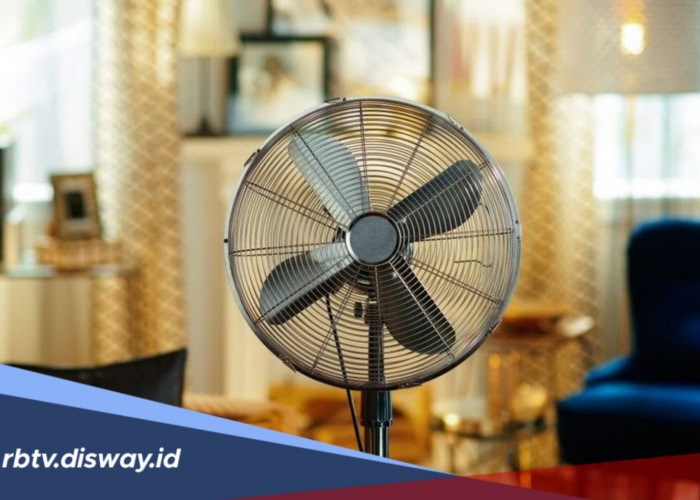
One step you can take is to set your Sharp Air Conditioner remote to cool by activating fan mode.
For your information, many Sharp Air Conditioner users assume cool mode and fan mode have the same function.
However, these two modes are actually different because fan mode has a higher level of power than cool mode.
By activating both modes, the room can cool more quickly.
Cek Berita dan Artikel lainnya di Google News
Sumber:
- Share: