






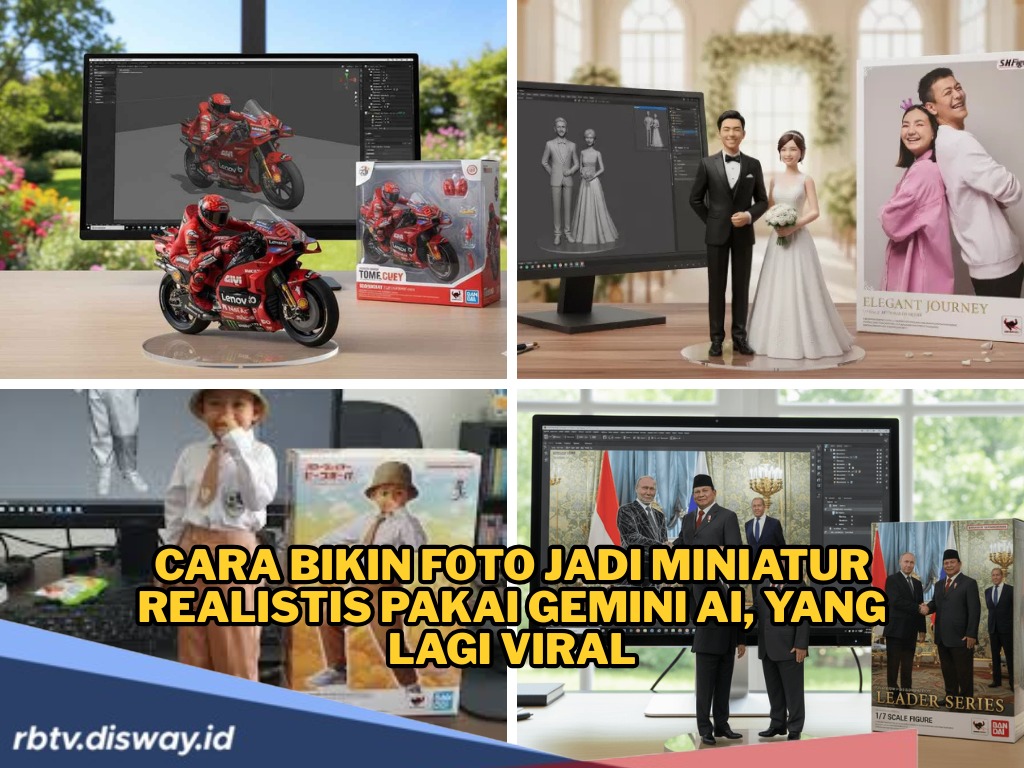
Cara Bikin Foto Jadi Miniatur Realistis Pakai Gemini AI di HP yang Lagi Viral
Tren Gemini AI--
Berikut salah satu prompt populer yang banyak dipakai kreator ni gaboleh di skip ya!
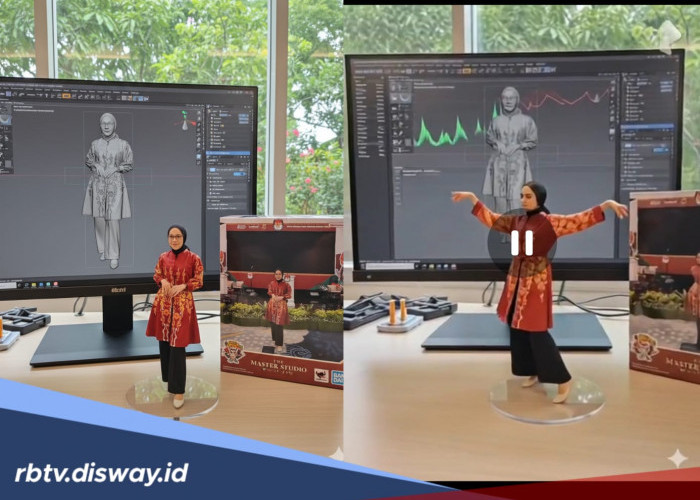
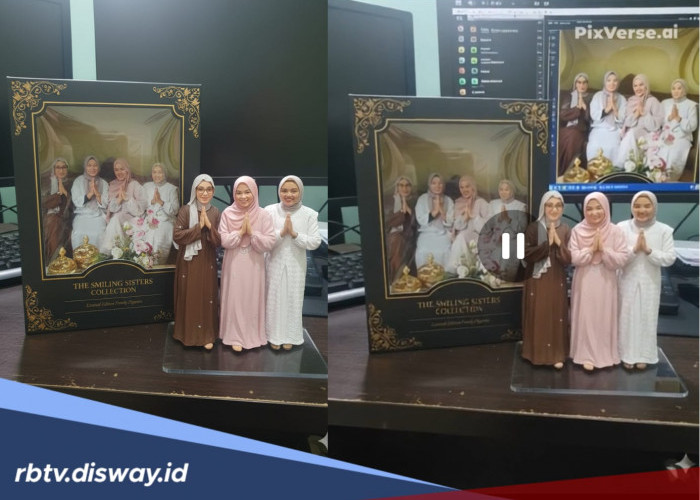
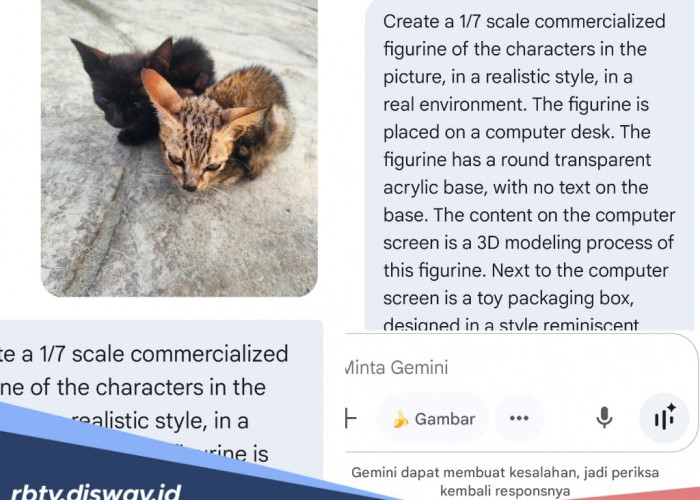
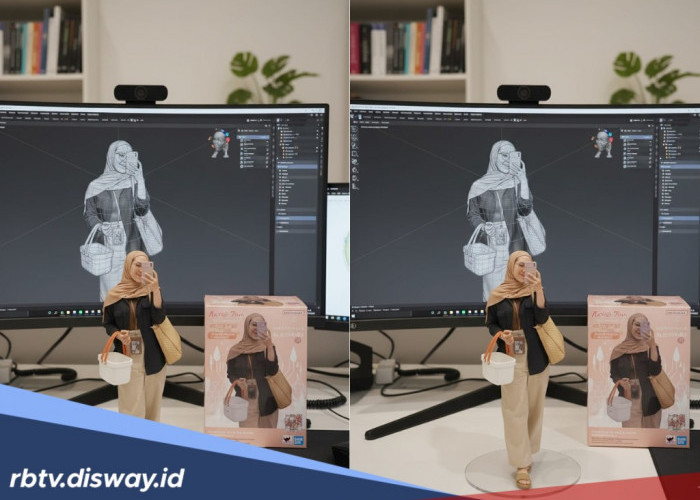
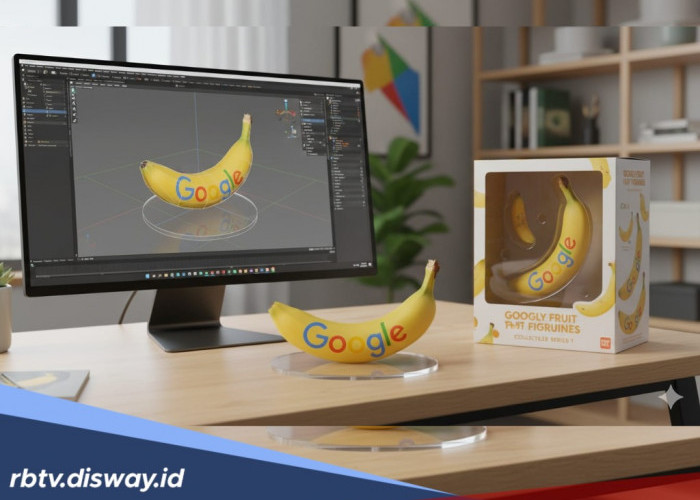
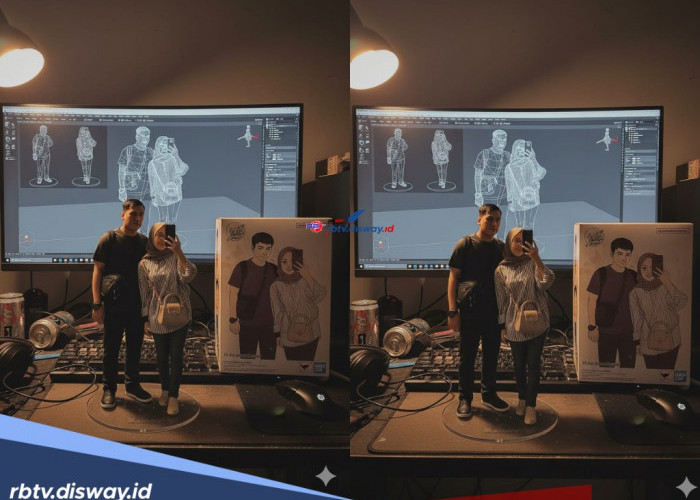
“Create a 1/7 scale commercialized figure of the character in the illustration, in a realistic style and environment.
Place the figure on a computer desk, using a circular transparent acrylic base without any text.
On the computer screen, display the ZBrush modeling process of the figure.
Next to the computer screen, place a BANDAI-style toy packaging box printed with the original artwork.”
Kalau diterjemahkan ke bahasa Indonesia, kurang lebih artinya:
- Buat figur skala 1/7 dari karakter dalam foto.
- Letakkan figur di meja komputer dengan alas akrilik transparan berbentuk lingkaran.
- Pada layar komputer, tampilkan proses modeling figur.
- Tambahkan kotak mainan bergaya BANDAI di samping layar.
BACA JUGA:Setop Simpan 9 Jenis Bahan Makanan Ini Dalam Kulkas
Selain prompt di atas, kamu juga bisa modifikasi sesuai kebutuhan. Misalnya kalau mau bikin motor jadi miniatur, gunakan:
“Create a 1/7 scale commercialized figurine of the motorcycle in the picture, in a realistic style, in a real environment. The figurine is placed on a computer desk with a round transparent acrylic base, no text on the base.
The computer screen shows the ZBrush modeling process of this figurine. Next to the screen is a BANDAI-style toy packaging box with two-dimensional flat illustrations of the original artwork.”
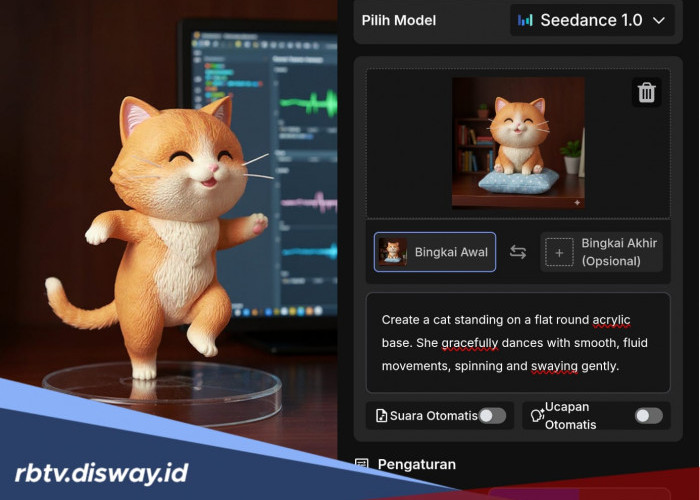
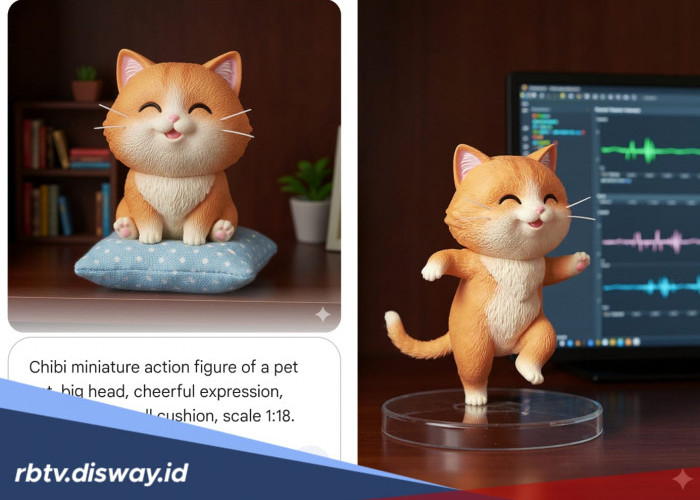
Kamu bebas mengganti kata motorcycle dengan objek lain, misalnya cat, dog, atau car.
BACA JUGA:Tidak Rumit, Begini Cara Bayar Tagihan PDAM Secara Online Lewat e-Commerce
Langkah-Langkah Membuat Miniatur AI di Gemini
Untuk kamu yang baru pertama kali pakai Gemini AI, berikut tutorial lengkapnya:
1. Buka aplikasi Gemini AI
Cek Berita dan Artikel lainnya di Google News
Sumber:
- Share: